
Where they show
Small badges in the profile sidebar. Click for the unlocked dialog and linked events.
The complete reference for profile badges: criteria, tiers, skin-tone variants, staff-only awards, historic 2021 artwork, and live unlock examples — because GitHub never published a full official list.
Note GitHub Achievements are in public preview and may change. Thresholds here are community-verified.
Incident GitHub is investigating a profile-rendering issue that can prevent achievement badges from appearing after qualifying activity. Follow GitHub Community discussion #203416 for status updates. Last checked: 23 August 2026.
Achievements appear in the sidebar of a GitHub profile. Hover or click for the unlocked dialog, a short hint, and links to the events that earned it.
Small badges in the profile sidebar. Click for the unlocked dialog and linked events.
Links stay hidden from anyone who cannot access the repository or organization. Private contributions can still count unless you turn that off.
Achievements are on by default. Hide them in profile settings.
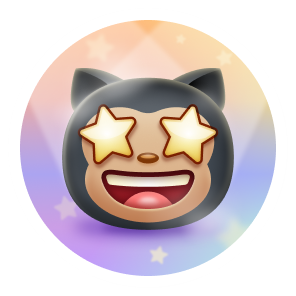
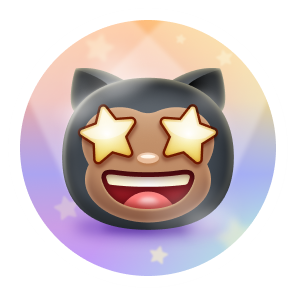
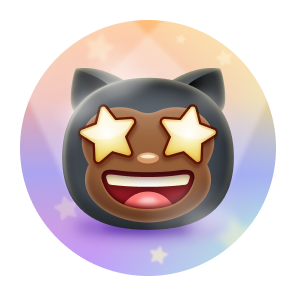
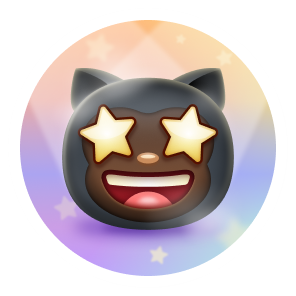
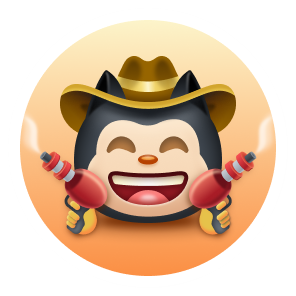
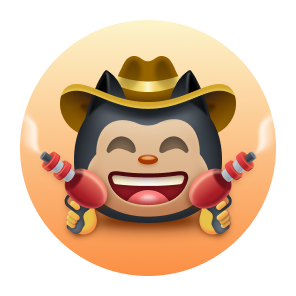
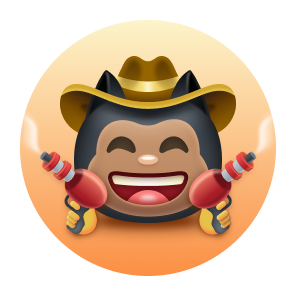
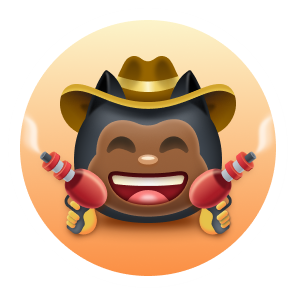
Starstruck and Quickdraw follow your emoji skin tone.
Achievements are activity badges. Highlights (Pro, Campus Expert, …) are program badges under the bio.
Earnable on a normal account today. Galaxy Brain still works in repository Discussions, not in GitHub Community.
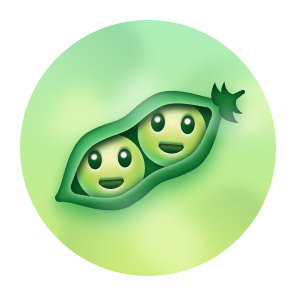
Coauthored commits on a merged pull request (Co-authored-by)
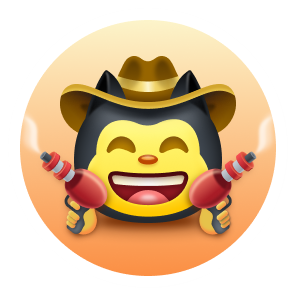
Close an issue or pull request within 5 minutes of opening
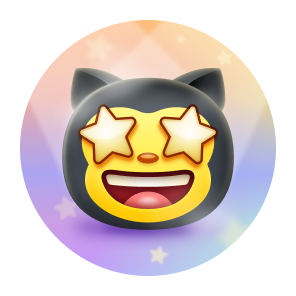
Create a repository that reaches this many stars
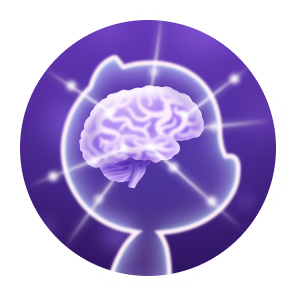
Have a Discussions reply marked as the accepted answer. Not awarded in GitHub Community since Feb 2024
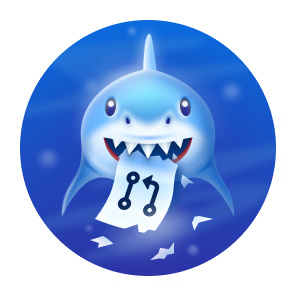
Open a pull request that gets merged
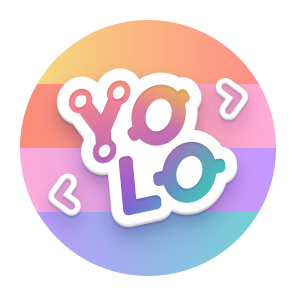
Merge your own pull request with no review (bot reviews often block it)
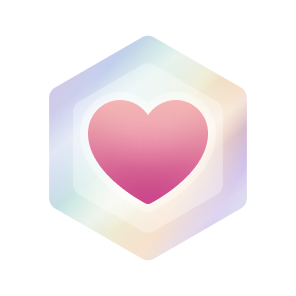
Sponsor an open source contributor via GitHub Sponsors
Internal only. Awarded for GitHub’s own “Proxima” work. You cannot earn these through public activity.
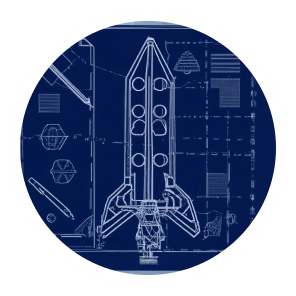
Event badges. If you earned them, they stay on your profile. Nobody new can unlock them.

You contributed to a public repo included in the 2020 GitHub Archive Program snapshot (2 Feb 2020), later stored in Svalbard.
Badge from Jul 2020.
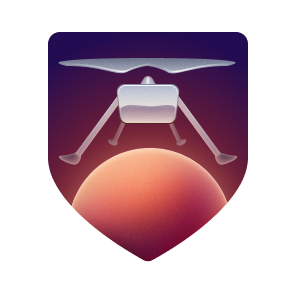
You had a commit on a repo/version NASA JPL used for the Ingenuity helicopter.
Awarded 19 Apr 2021. See qualifying repos.
Seen in GitHub’s asset pipeline and on a few staff/test profiles. No public launch date. Staff said they were an experimental rollout (Community #190842).
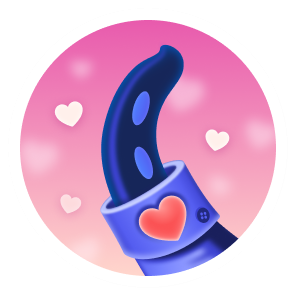
React to something on GitHub with a heart emoji
Pull requests merged in multiple public repositories
Some achievements upgrade in place. The badge on your profile is always the highest tier you hold. Labels use GitHub’s x2 / x3 / x4 colors.

#F9BFA7
#E1E4E4
#FAE57ECoauthored commits on merged pull requests.
Default1 Bronze10
 Silver24
 Gold48
Stars on a repository you created.
Default16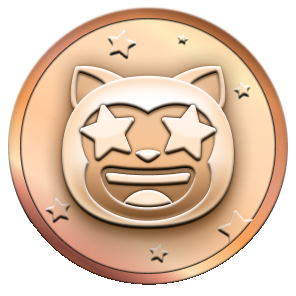 Bronze128
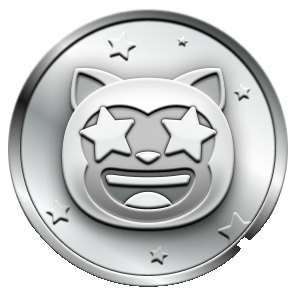 Silver512
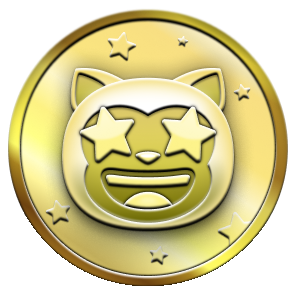 Gold4096
Accepted answers in Discussions.
Default2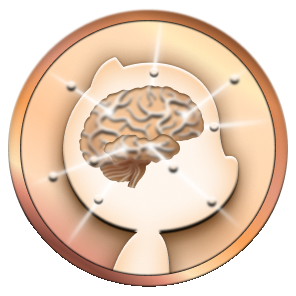 Bronze8
 Silver16
 Gold32
Merged pull requests.
Default2 Bronze16
 Silver128
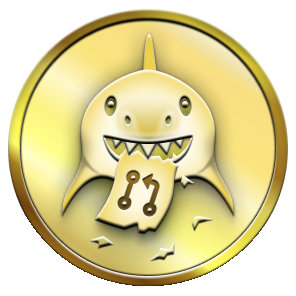 Gold1024
Heart reactions. Experimental; GitHub has not announced a public launch.
Default?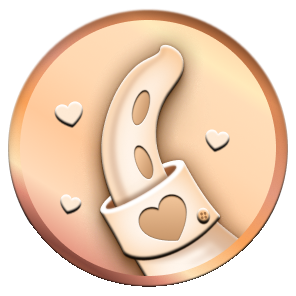 Bronze16
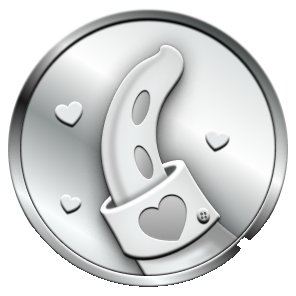 Silver128
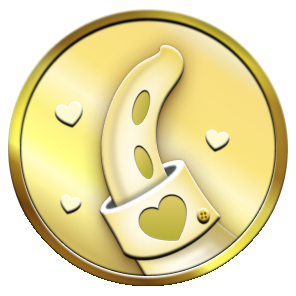 Gold?
Gold?Pull requests merged across multiple public repositories.
Default? Bronze8
 Silver16
 Gold64
Highlights sit under achievements on the profile. They are program badges, not activity achievements.

Use GitHub Pro

Join the GitHub Developer Program

Help find vulnerabilities through GitHub Security

Participate in Campus Experts

Have an advisory accepted into the GitHub Advisory Database
Starstruck and Quickdraw follow Settings → Appearance → Emoji skin tone.
| Default | Light | Light medium | Medium | Medium dark | Dark | |
|---|---|---|---|---|---|---|
| Starstruck | |
 |
 |
 |
 |
 |
| Quickdraw | |
 |
 |
 |
 |
 |
Live examples of each badge at 100%. One profile per badge — no repeats. Click a profile to open GitHub’s unlock dialog.
@brannon · internal
@brannon · internal
@timrogers · internal
From the Ingenuity announcement (19 Apr 2021) until the achievements expansion (9 Jun 2022), the first badges used different names and art.
- GitHub Sponsor
+ Public Sponsor
- Mars 2020 Helicopter Contributor
+ Mars 2020 Contributor
2021–2022 artwork
2021–2022 artwork
2021–2022 artwork
Control what shows on your profile and what counts toward badges.
| Hide achievements | Profile settings → uncheck Show Achievements on my profile |
|---|---|
| Private contributions | Same page → contribution & achievement visibility. Docs: manage visibility |
| Skin tone | Appearance → Emoji skin tone |
| Official reference | Profile reference (incomplete) |
The event has ended. Full official table: qualifying repositories.
Plus dozens of Python/Java dependencies. See the official docs for tags.
GitHub does not keep a public changelog just for achievements. Staff posts land in Community, Blog, and Changelog.
Official product forum for announcements, Q&A, and feedback. Open discussions
Every Community thread that mentions achievements. Search now
Long-running thread on how badges work. Read thread
Staff confirmed experimental rollout. #190842
Arctic Code Vault: snapshot of public repos to preserve open source for ~1,000 years.
Vault sealed in Svalbard. Arctic Code Vault Contributor badge added.
Mars 2020 Helicopter badge and the Achievements section on profiles.
Public beta of activity achievements (Pull Shark, YOLO, Galaxy Brain, Starstruck, …).
Achievements turned off in GitHub Community because of spam. Other repos unaffected.